
Leaked Credentials
ShadowMap detects employee and organizational credentials that have appeared in data breach databases, paste sites, and other public leak sources. This module focuses on credential pairs (email + password) that were exposed through breaches at third-party services where your employees registered using corporate email addresses.
Overview
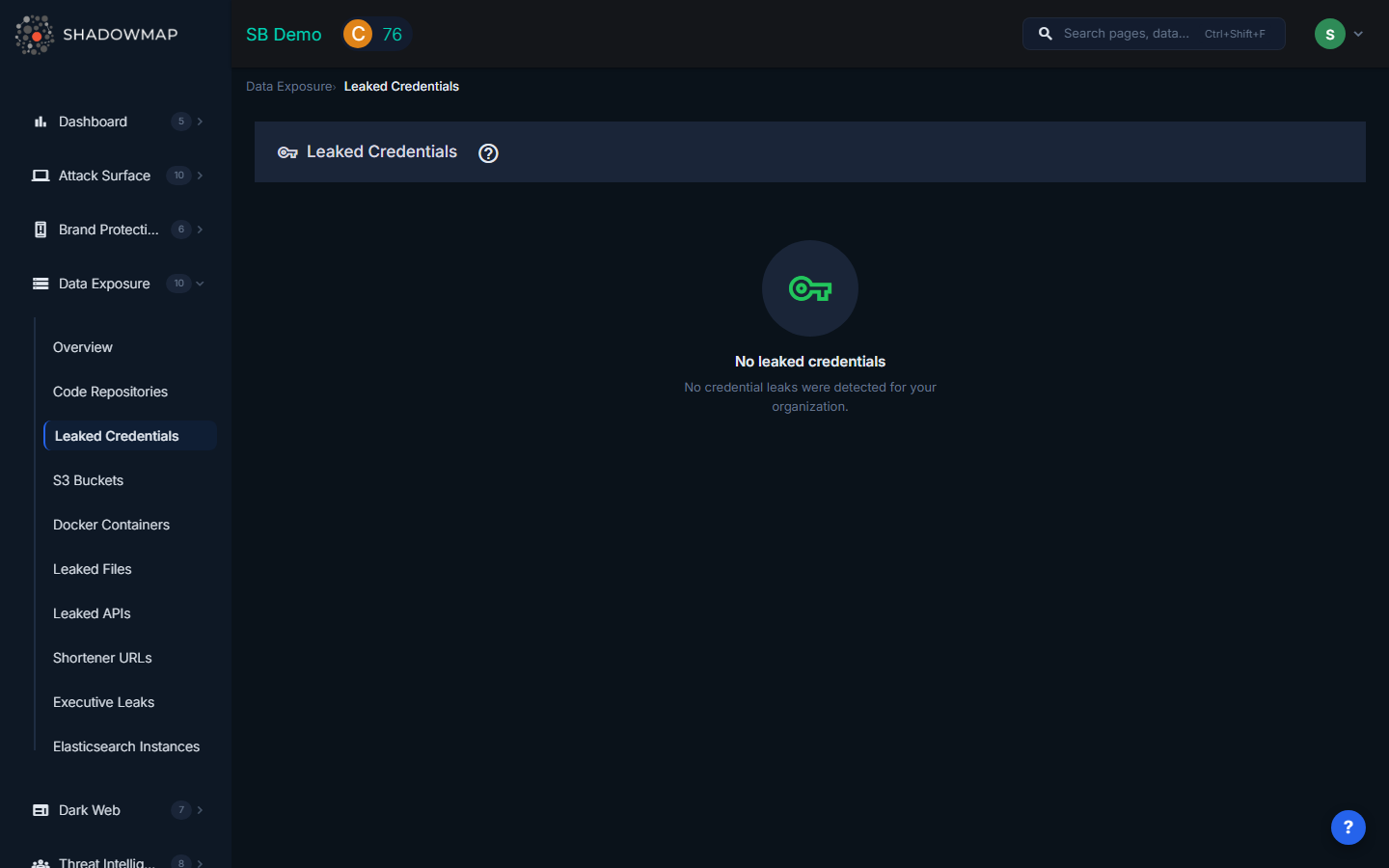
The listing page displays credential leaks as expandable cards grouped by breach source or paste file. The total count of credential leakage results appears in the header, and results are paginated with Prev/Next navigation (25 results per page).
Understanding the Data
Each leaked credential card shows:
| Field | Description |
|---|---|
| Title / Group | The breach or leak name that this credential was found in (e.g., "LinkedIn 2021 Breach", "Paste-2024-03-15") |
| File Name | The specific file within the breach where the credential appeared, displayed as a clickable link |
| File URL | Direct link to the source file (when available) |
| Risk | Severity level: Critical (plaintext passwords), High (weak hashes), Medium (salted hashes), Low (email-only exposure) |
| Status | Current status text of the finding |
| Source | Where the leaked credential was discovered (breach database name, paste site, etc.) |
| Last Activity | When ShadowMap last verified or updated this finding, shown as relative time |
Credential Excerpt
Each card includes a code-style excerpt panel showing the leaked data with line numbers. This lets analysts see exactly what was exposed -- whether it includes plaintext passwords, hashed passwords, or only email addresses. The excerpt preserves the original formatting from the source file.
How Leaked Credentials Differ from Stealer Logs
It is important to understand the difference between the two related modules:
| Leaked Credentials (this module) | Compromised Computers (Dark Web) | |
|---|---|---|
| Source | Breach databases, paste sites, public data dumps | Stealer malware logs from infected endpoints |
| What is exposed | Email + password pairs from third-party service breaches | Full browser credential stores, cookies, session tokens, autofill data |
| Implication | Employee reused a password or registered on a breached service | An employee's device is actively infected with stealer malware |
| Urgency | High -- password resets needed | Critical -- device may still be compromised, active sessions may be hijacked |
Filtering and Search
The filter panel supports dynamic filter fields loaded from the backend, including:
- Risk level
- Title (breach/source name)
- Source ID (specific breach database)
- File Name
- Last Seen On (date range)
Filters use AND logic and can be combined. The export function downloads all matching results (overriding pagination).
Available Actions
| Action | Description |
|---|---|
| Request Takedown | Submit a takedown request to remove the credential data from its source (where feasible) |
| Export | Download all matching credential leak findings in Excel format |
| Filter | Apply dynamic filters to narrow results by risk, source, file, or date |
Response Guidance
- Force immediate password resets for all affected accounts. Do not wait for users to change passwords voluntarily -- the credential is already public.
- Enable MFA on all critical systems. Multi-factor authentication is the single most effective mitigation against credential reuse attacks. Even if an attacker has the password, MFA blocks unauthorized access.
- Check for credential reuse across internal systems. If an employee used the same password for a breached third-party service and for internal corporate systems, all those systems are at risk.
- Monitor login anomalies. Set up alerts for unusual login patterns (unfamiliar IPs, impossible travel, off-hours access) on accounts with exposed credentials.
- Audit breached services. Determine what data the employee had access to on the breached third-party service. If it included corporate data, the exposure extends beyond just the credential.
- Educate employees. Use leaked credential findings as concrete examples in security awareness training to demonstrate why password reuse is dangerous.
- Deploy a password manager. Organizational password managers eliminate reuse by generating unique passwords for every service.
Security Rating Impact
Leaked credentials with plaintext or weakly-hashed passwords carry significant Security Rating penalties. The penalty scales with the number of affected accounts and the severity of the exposure. Resolving findings (through password resets and status updates) restores rating points.